Running
Claude is working. The card glows, so you can leave it alone.
Run five Claude Code sessions at once and always know which one needs you. Free and open source for macOS.
curl -fsSL https://hivemux.dev/install.sh | bash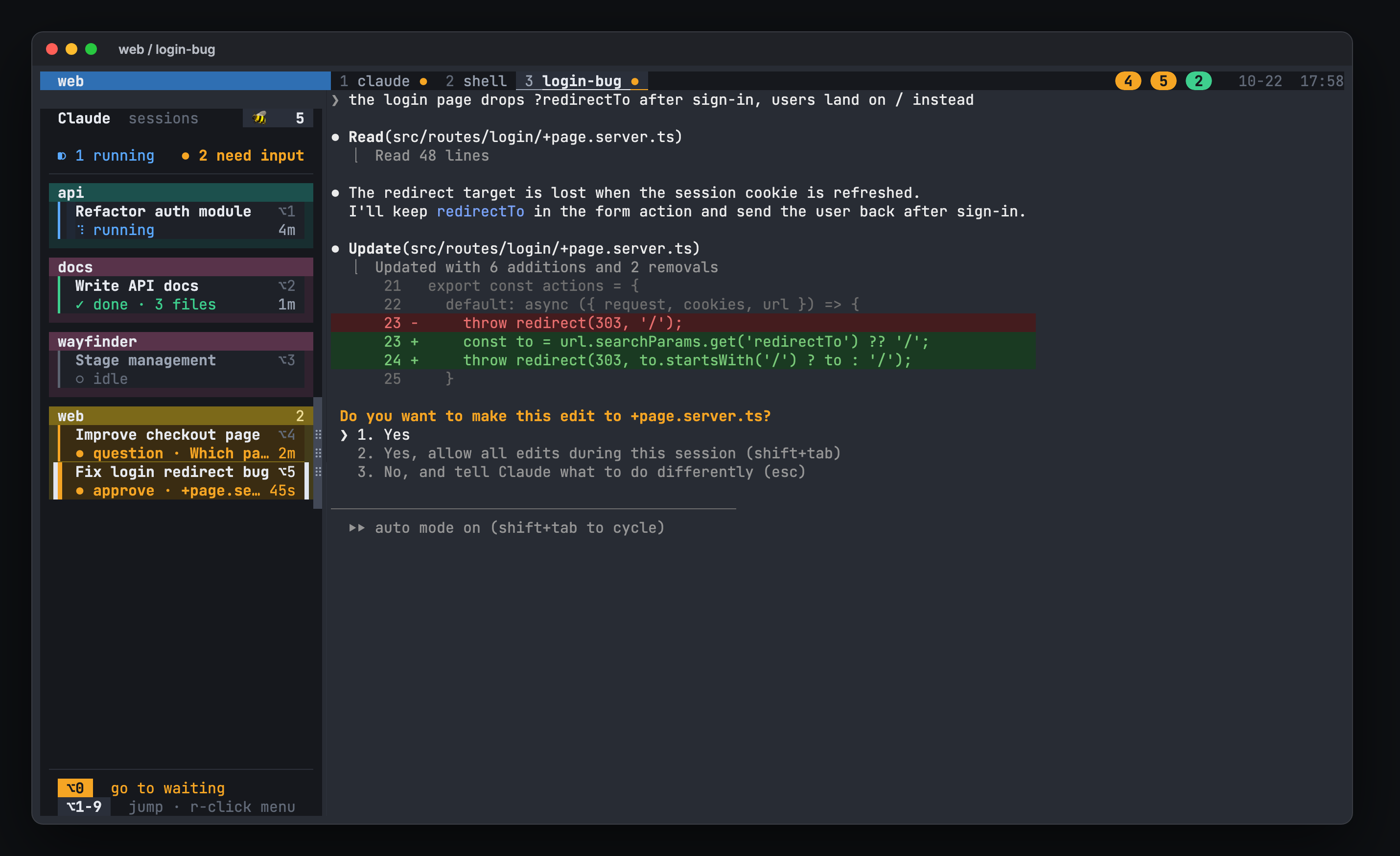
More screens
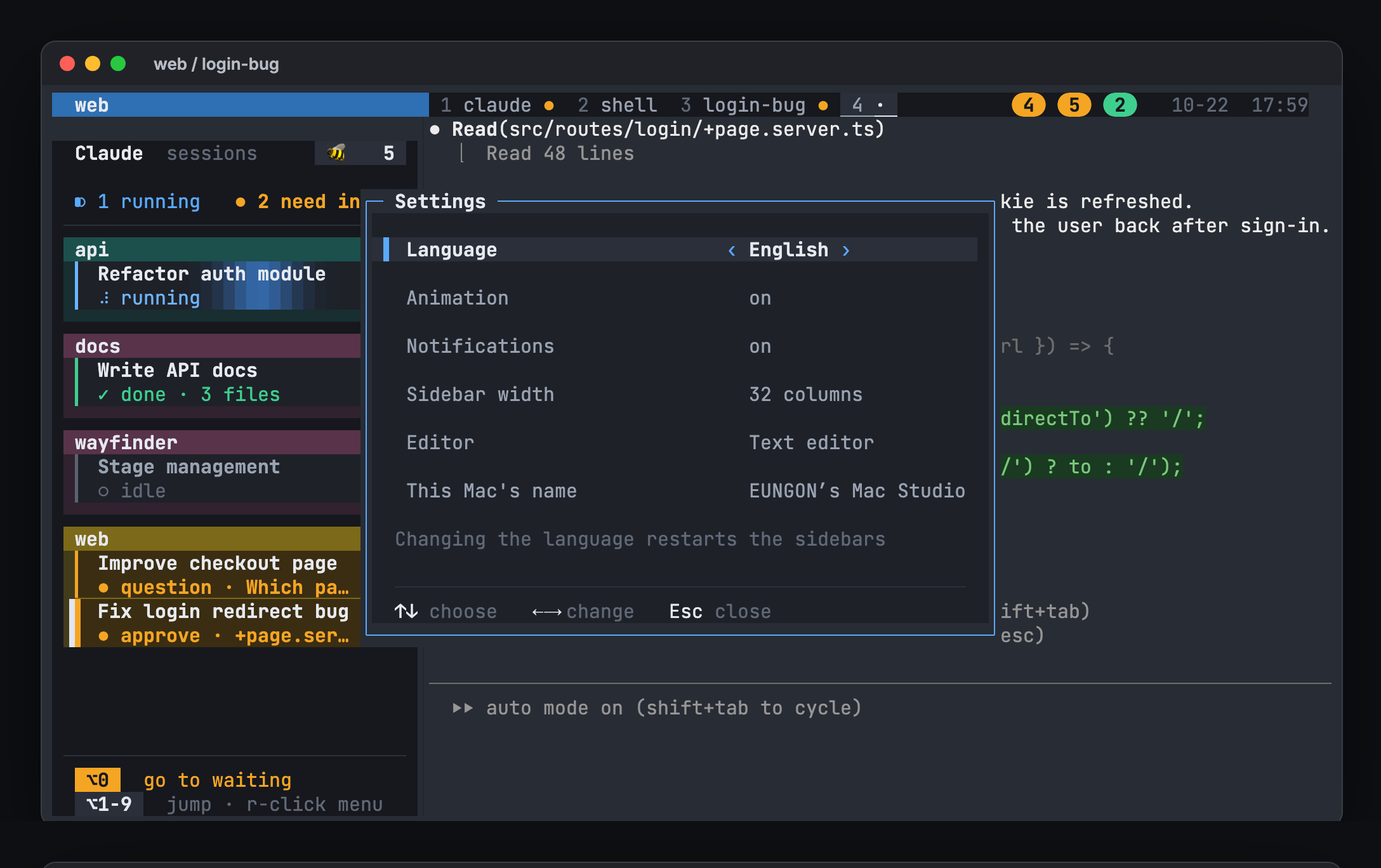
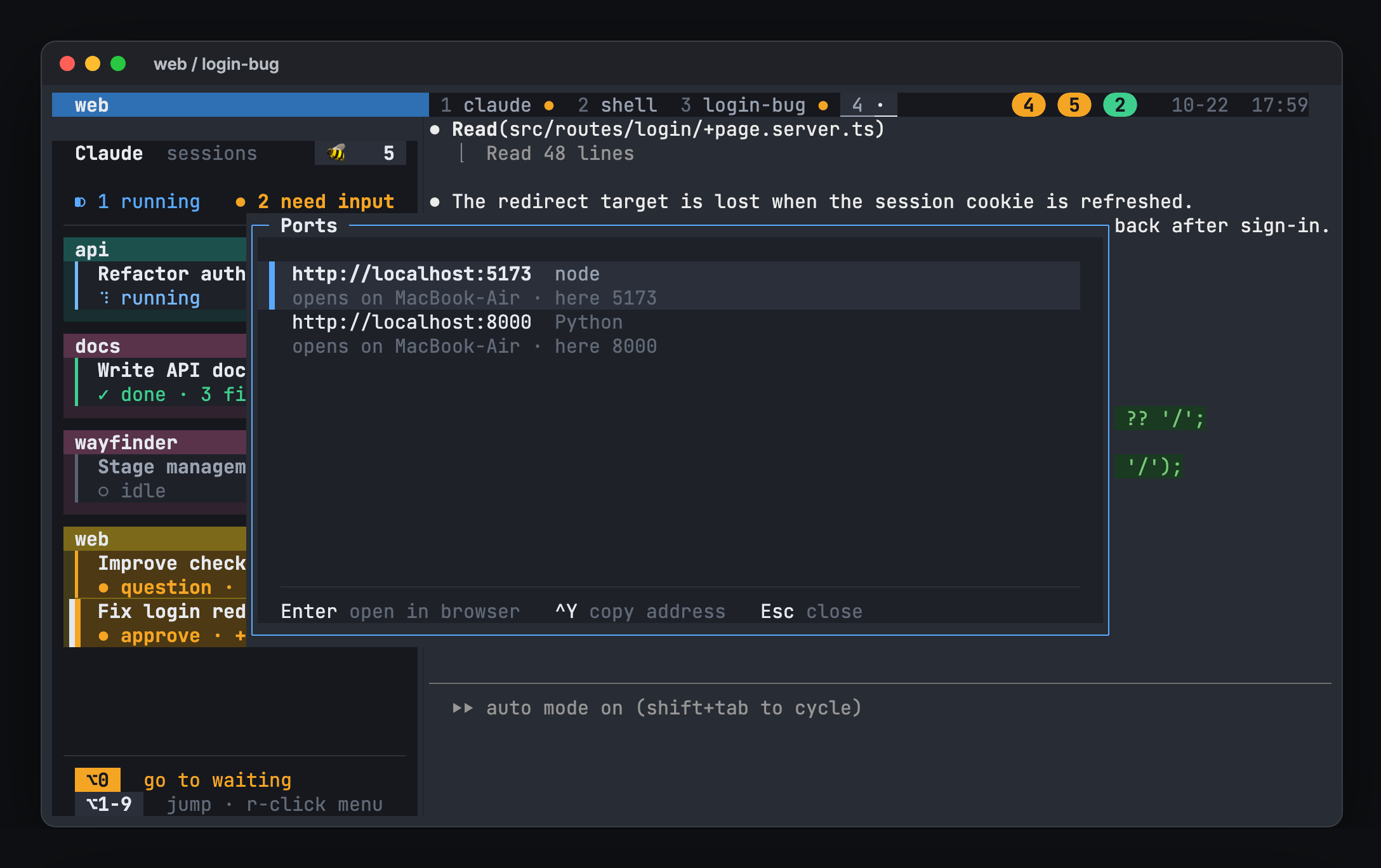
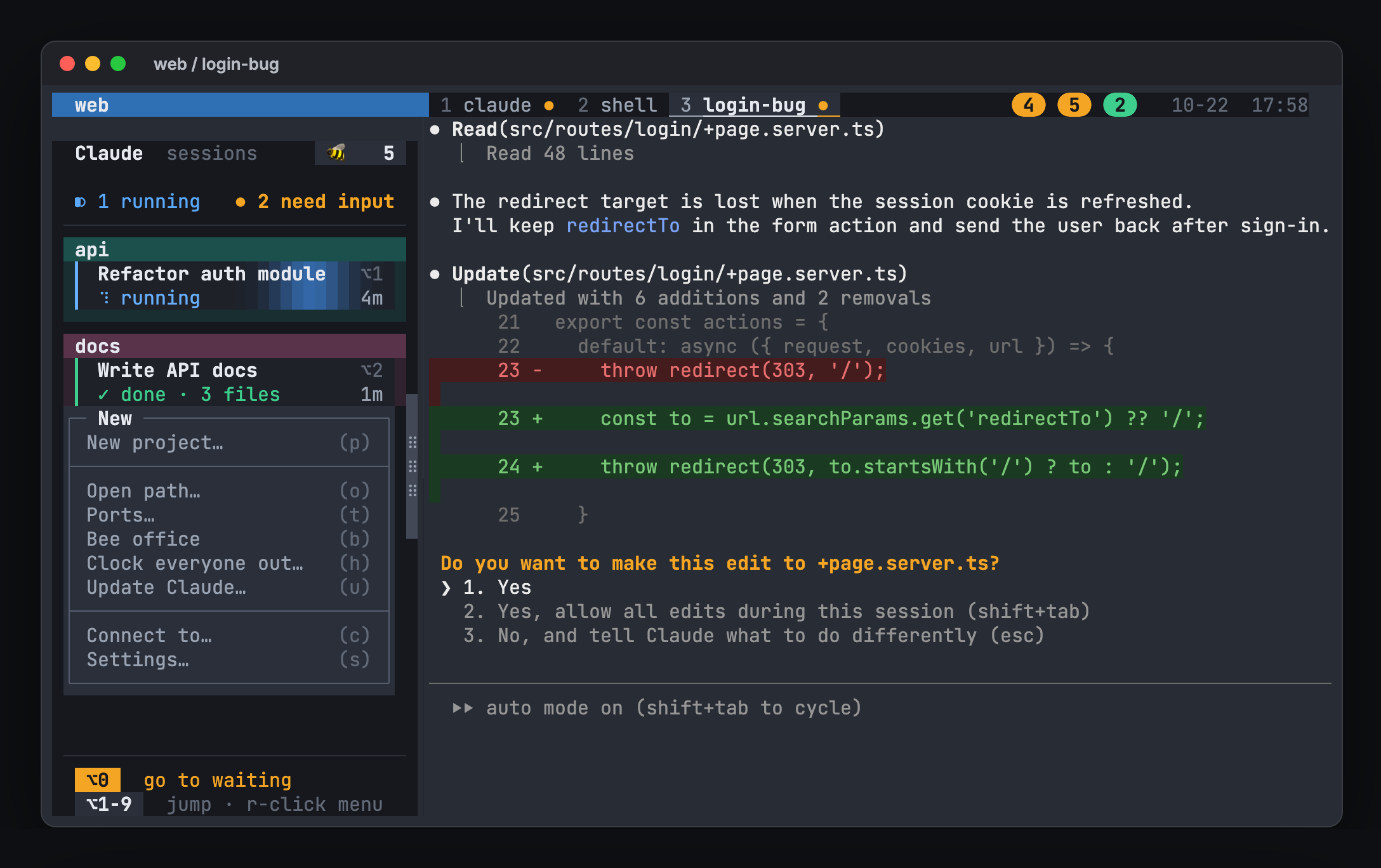
One glance
hivemux reads Claude Code's own hook events and shows each session as a card with its task name and how long it has been in that state.
Claude is working. The card glows, so you can leave it alone.
Claude needs approval or an answer. The card pulses amber and macOS notifies you.
The task finished. A green badge waits on the status line until you look.
Bee office
Open a small office where every Claude Code session is a bee. Turn, tilt and zoom it, or switch to a flat 2D plan. Click a bee to jump to its session.
hivemux officeWhile Claude works, its bee types away. Subagents stand by as small helper bees.
When Claude needs you, its bee lines up at the question window with why. Click it and answer right there.
A finished task is a jar of honey for the comb. The Honey tab ranks bees by day, week and month.
Clock out every Claude, one project or just one; the bees walk home. Clock in and each resumes the same conversation.
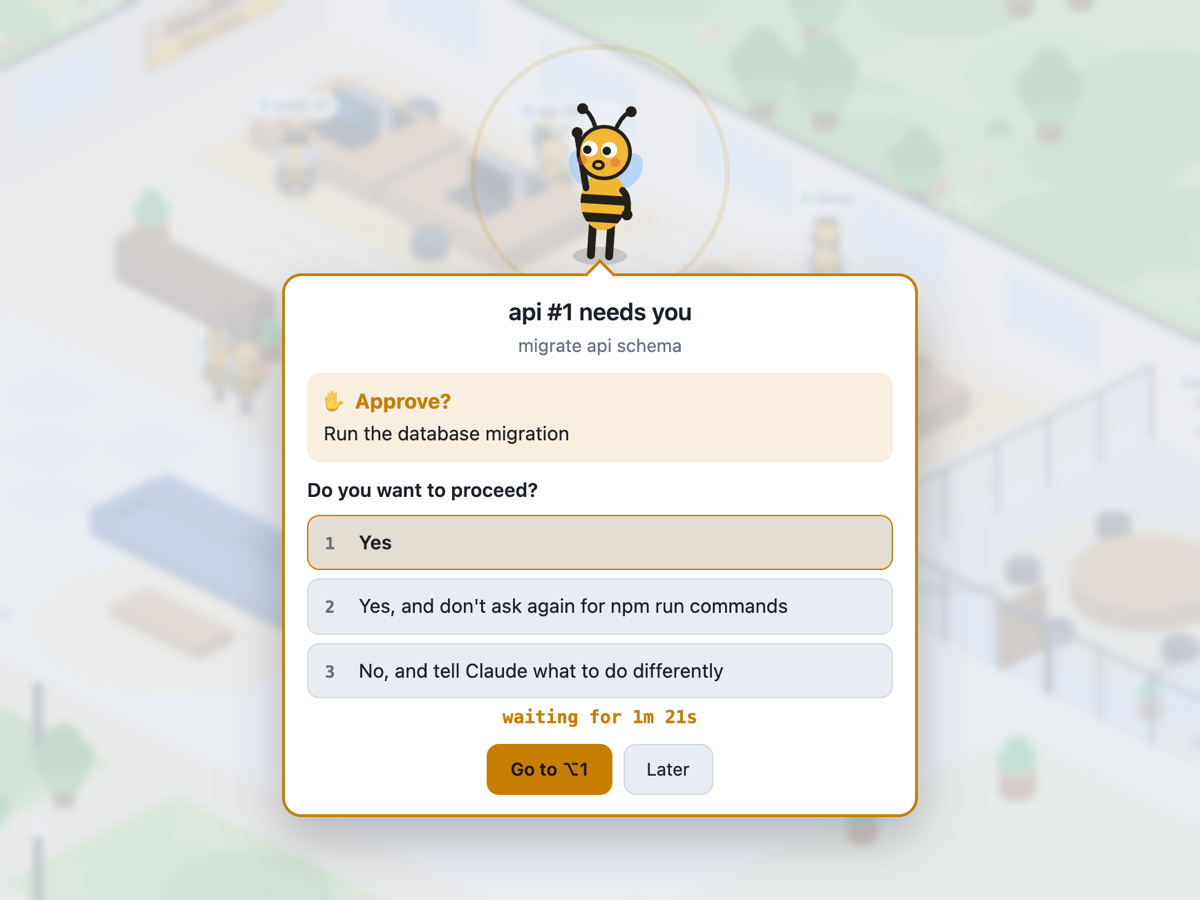
The waiting bee pops out with the task name, why it waits and for how long. Answer right there with the terminal's own choices, or jump to that tmux pane.
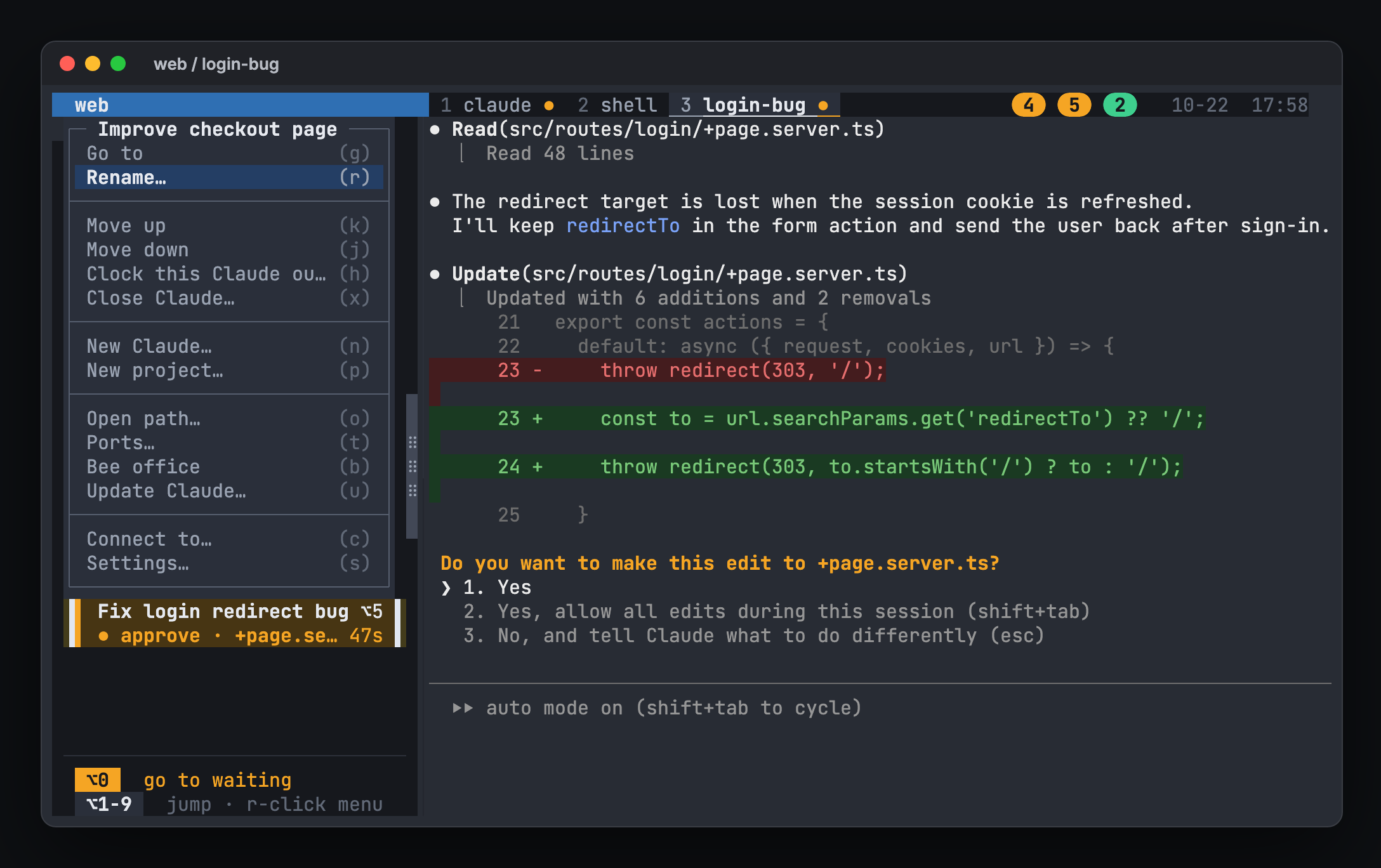
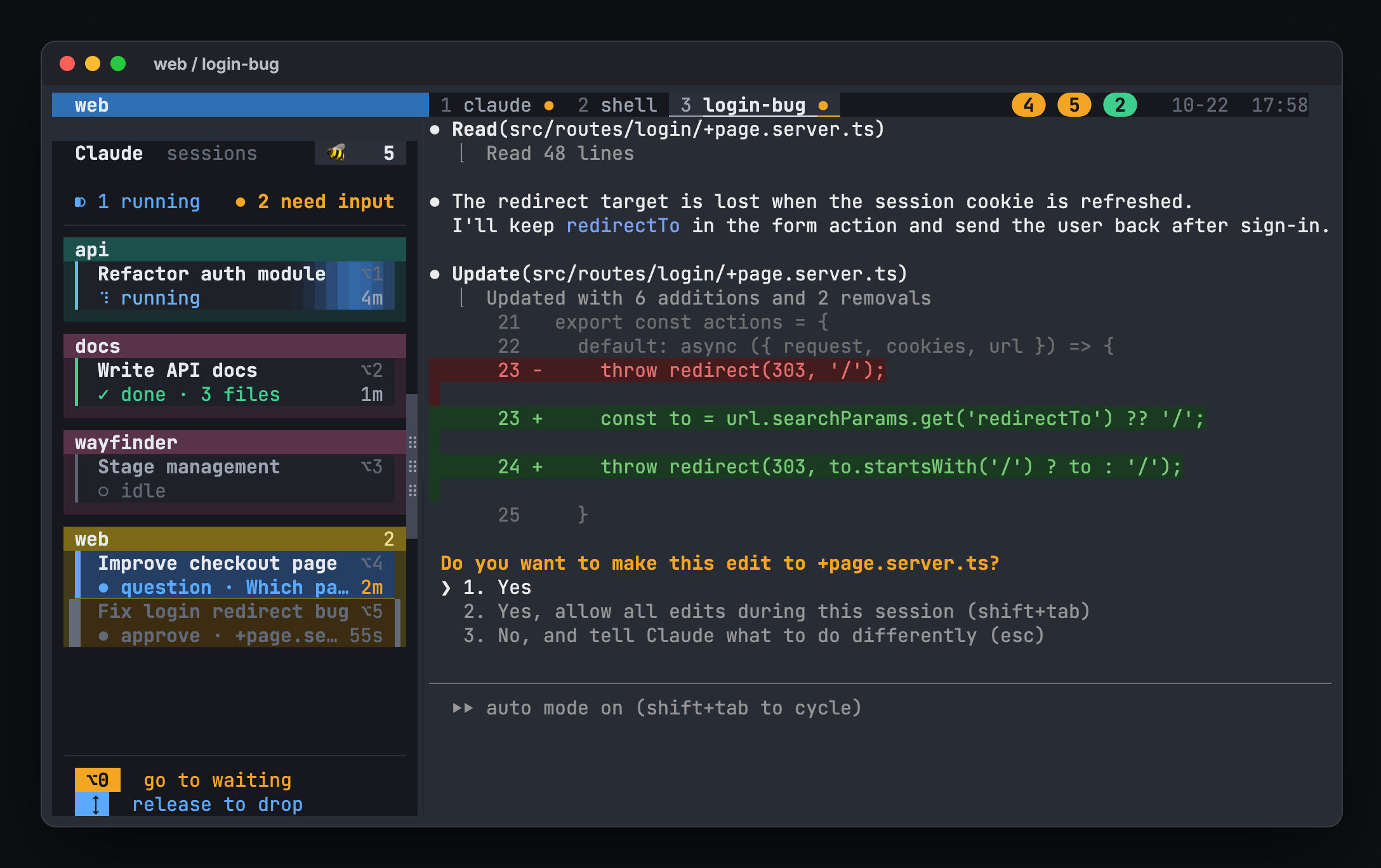
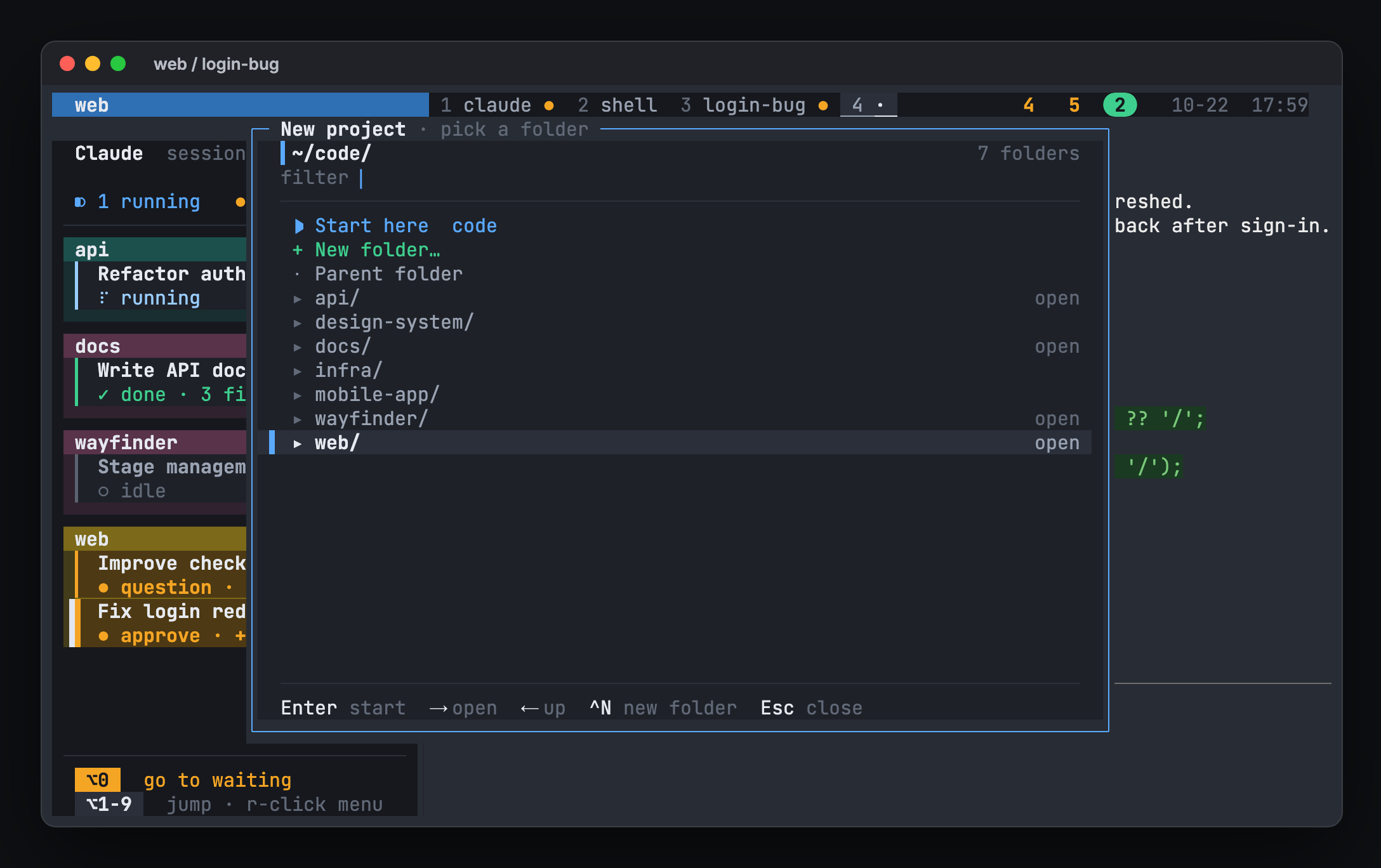
Bee office →A colored box per project and a card per Claude, across every tmux session, with why each one waits. Widen it for two or three columns.
A macOS notification when a task needs input or finishes, except the one you are already looking at.
Option+1..9 goes to a session. Option+0 goes to the one that has waited longest.
Like a food-court order board: numbered badges on the status line for every task that needs you or just finished.
tmux-resurrect restores the layout and hivemux runs claude --resume in each pane.
Option+O opens file paths from the pane in VS Code, Cursor or Zed, even over Remote-SSH.
No daemon and no cloud. hivemux is shell and Python scripts that use the hooks Claude Code already has and the options tmux already has.
Each session reports when it starts work, asks for input or stops.
The state is stored on the pane itself, as @claude_state.
Every window draws the board and pickup badges from it, and the bee office reads the same state.
The installer adds clearly marked blocks to your tmux and shell config, and hivemux uninstall removes exactly those.
# curl
curl -fsSL https://hivemux.dev/install.sh | bash

# or Homebrew
brew install esteban-eg-kim/tap/hivemux
hivemux setup
Full install guide →
hivemux is a tmux sidebar that shows every Claude Code session — running, waiting for you, or done — and lets you jump to the one that needs you.
Yes. hivemux is open source under the MIT license.
No. hivemux has no server and no telemetry. It runs on your Mac and reads Claude Code hook events and tmux state. Its only network requests are downloading hivemux and two tmux plugins (tmux-resurrect, tmux-continuum) from GitHub at install, checking the latest Claude Code version when you update Claude, and ssh to Macs you connect to yourself.
It likely works but is untested. Notifications and the bee office window are built for macOS.
Yes. hivemux adds marked blocks to your config and leaves the rest alone. hivemux uninstall removes exactly those blocks.
Open an issue at github.com/esteban-eg-kim/hivemux/issues, email hello@hivemux.dev, or reach the maintainer on X or Threads (@xkorfun).
Use Remote Control in the Claude app on your phone, and hivemux connect to attach to another Mac's tmux over ssh and see its sessions in the same sidebar.